Zeros, ones and a black box
- Date
- Type
- Post
- Reading time
- 8 minutes
A while back I wrote notes for the first day of an intro to programming session for first-year students. They were a mess. Half English, half Hindi, a few memes borrowed from the internet, and a final list of topics that ended with “socha nahi abhi tak, jitna socha hai sab likh diya”. I haven’t thought it through yet, so here’s everything I have.
I found those notes again recently. The jokes aged badly, but the core still holds up. So this is that first day, written properly this time.
What is engineering, anyway
By the textbook, engineering is designing, building and testing machines, structures and processes using maths and science. An engineer is someone who solves problems with what they know.
The honest version is that an engineer is someone who will keep hitting their head against a wall until a solution falls out. In India it’s also the most overrated degree going. Everyone’s cousin is doing it, and everyone’s parents have an opinion about it.
There’s one line from my original notes I still like. “Ye vo log hain jo samaj mein sabse zyada piste hain.” Roughly, these are the people who get ground down the hardest. Through 10th, through 12th, through college, overthinking every step of it.
If that sounds like you, welcome. You’re in the right room.
So what is computer science
Mostly, it’s problem solving. You take some information, you do something with it, and you get an answer. Writing code in different languages is part of that. So is expressing yourself in code at 2am while your friends are out, which is the antisocial part nobody puts in the brochure.
If you’ve never written a line of code, or you don’t come from a science background, that’s fine. Give it three or four months of steady work and you’ll be surprised by what you can build. Where you start matters a lot less than where you are at the end of the semester.
It will give you headaches. Some days a missing semicolon will eat your whole evening. But if you keep showing up, it slowly turns into something you like, and the first thing you build that actually works feels like a real win.
What problem solving means
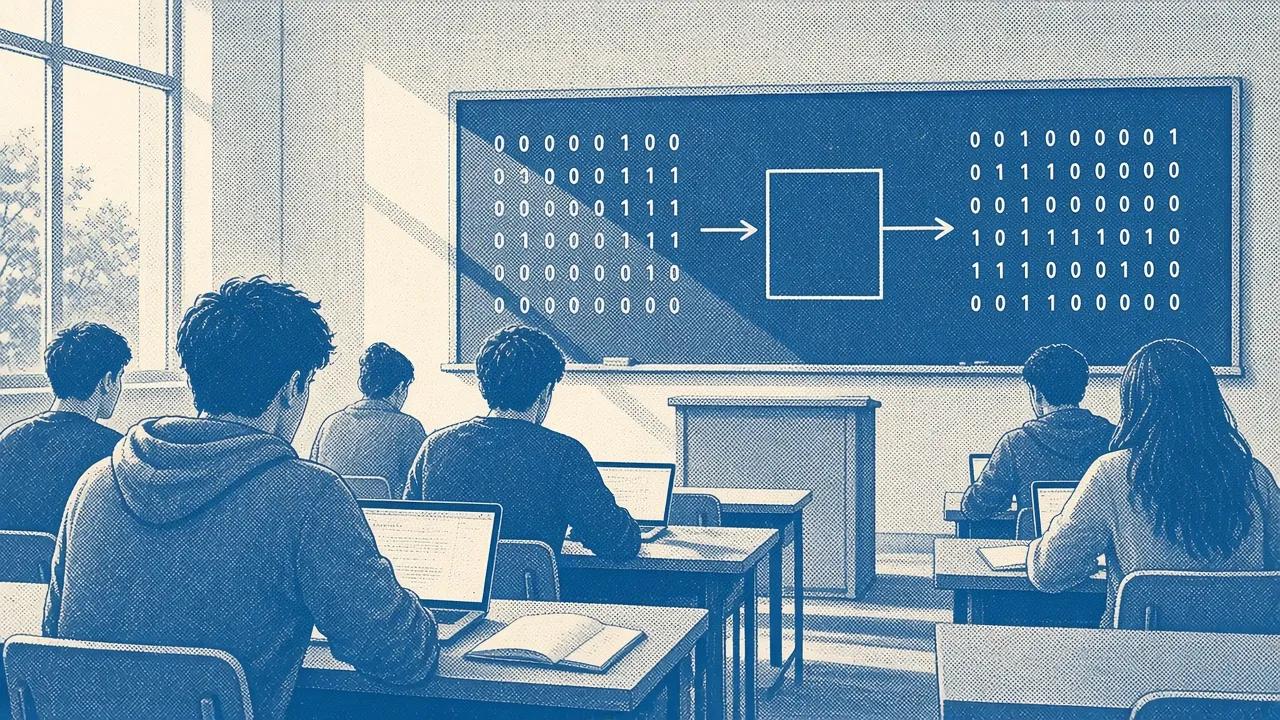
People say “problem solving” so often that the words stop meaning anything. Here’s the version I find useful. You have an input, which is the details of your problem. You want an output, which is the solution. Whatever sits in the box between them is computer science, and most of what you’ll learn is how to fill that box.
Everyone learns at a different speed. If the first few weeks feel slow, that’s normal. It doesn’t stay that way.
How a computer understands anything
A computer doesn’t understand English, or Hindi, or any language we speak. It understands binary, a number system with only two digits, 0 and 1. Those two digits have quietly taken over the world.
Inside your laptop are billions of transistors, and a transistor is a tiny switch. A switch is either off, which we write as 0, or on, which we write as 1. That’s the computer’s entire alphabet.
Counting with light bulbs
Picture three light bulbs in a row. Each one is on or off. How many different patterns can they make?
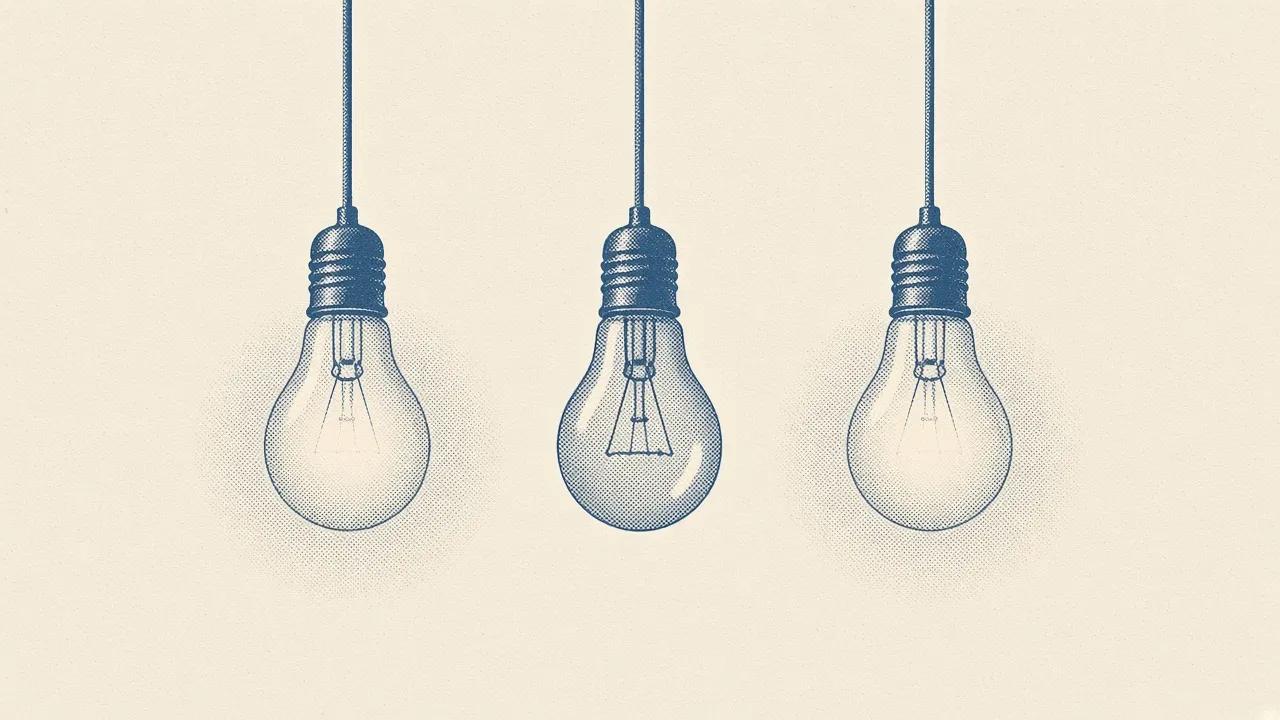
Each bulb doubles the number of patterns, so three bulbs give 2 × 2 × 2 = 8. That’s enough to count from 0 to 7:
000   0
001   1
010   2
011   3
100   4
101   5
110   6
111 7Add more bulbs and the count grows fast. With 8 you get 256 patterns. With 32 you get 4,294,967,296, a little over four billion. That’s why a 32-bit computer could only use about 4 GB of memory. It ran out of patterns to label the rest with.
Computers group bits in eights, and a group of eight is a byte. A thousand bytes make a kilobyte, a thousand kilobytes make a megabyte, and it keeps going through gigabytes and terabytes. (Or 1,024 instead of 1,000, depending on who you ask. That argument is older than I am.) Every photo on your phone is a very long row of switches.
Your messages are numbers too
If everything is bits, how does “Hi” get from your phone to your friend’s?
Somebody has to agree on which number means which letter. In the 1960s, American engineers did exactly that and published ASCII, the American Standard Code for Information Interchange. It gives 128 characters a number each. That covers letters, digits, punctuation and a few control codes. Capital A is 65, B is 66, and so on.
So when you type HI!, the computer stores three numbers, and each number is stored as one byte:
H         I         !
72        73        33
01001000 01001001 00100001Where do the emojis go
128 characters is enough for English. It isn’t enough for Hindi, Gujarati, Tamil, Chinese or Arabic, and it has no room for the 😂 you sent five minutes ago.
Unicode fixed that. Instead of squeezing everything into one byte, it gives every character in every writing system its own number, and lets computers use up to four bytes to store it. It now lists nearly 160,000 characters. 😂 is number 128,514. The Devanagari letter क is 2,325.
It even includes scripts nobody writes anymore, like Egyptian hieroglyphs and Brahmi, the ancestor of Devanagari and most other Indian scripts. Some of these writing systems are only really alive now as entries in a standard. I find that oddly moving.
Colours, pictures, video and sound
Text is numbers. So is colour.
A screen mixes every colour from three lights: red, green and blue. Each one gets a number from 0 to 255, so one byte each. That’s RGB.
Now take the three numbers from before, 72, 73 and 33, and read them as a colour instead of text. Red is 72, green is 73, blue is 33.

You get a dark, muddy yellow. Same bytes, completely different meaning. The bytes themselves don’t know whether they’re a greeting or a colour. The program reading them decides. You’ll run into that idea again and again.
Your screen is a grid of tiny dots called pixels, and each pixel shows one of these colours. A photo is millions of them.

Everything else builds on that:
- A video is a sequence of images shown quickly, like a flipbook, usually somewhere between 24 and 60 per second.
- Recorded sound is the air pressure measured thousands of times a second. CD audio takes 44,100 measurements every second, and each one is a number.
- Music can also be stored as instructions instead of sound. That’s what MIDI does: play this note, this loud, for this long.
Underneath all of it, zeros and ones.
Algorithms are what go in the box
Back to the box between input and output. What fills it is an algorithm, a list of steps that solves a problem.
Say you need to find the word “programming” in a thousand-page dictionary.

You could start at page one and turn one page at a time. It works. It’s also painfully slow, up to a thousand page turns.
You could turn two pages at a time. That’s twice as fast, but you might skip past the word, so you’d have to step back a page whenever you go too far. Still correct. Still slow.
Or you could do what you’d actually do with a dictionary. Open it in the middle. You land on M, and P comes after M, so the word is somewhere in the right half. Forget the left half completely. Open the right half in its middle and do it again. Every step throws away half of what’s left.
A thousand pages become 500, then 250, 125, 63, 32, 16, 8, 4, 2 and finally 1. About ten steps. Double the dictionary to 2,000 pages and it takes eleven.
All three methods are algorithms, and all three get the right answer. The gap between ten steps and a thousand is the reason this subject exists. The third method is called binary search, and you’ll meet it within your first few weeks.
Computer science, not DSA science
This is the part I most wanted first-years to hear on day one. The subject is computer science. It isn’t “DSA science”, and it isn’t “development science” either.
There’s a lot of noise about picking a side. Grind data structures and algorithms for placements, or build apps and websites. Both matter, and neither is the whole thing. You’re training to be a software engineer, someone who solves real problems by building software. That takes algorithms and it takes the craft of building things. It also takes knowing what the machine is doing underneath, all the bits and bytes from earlier.
So don’t fall for one camp. Look at the whole picture.
So what is programming
After all that, programming is easy to define. It’s writing an algorithm in a language a computer can follow. You give it instructions, and it does exactly what you said. Exactly what you said, not what you meant. That gap is where most of your bugs will live.
Which language to start with, what the fundamentals are and where all of this can take you are good next questions. They deserve their own post.
A lot of how I explain this comes from David J. Malan (opens in a new tab) and his CS50 (opens in a new tab) lectures, where the HI! example and the book-halving search both come from, and from Hitesh Choudhary (opens in a new tab)’s videos. If any of this clicked for you, go watch them.