Ninja PDF
- Year
- 2026
- Role
- Design and engineering
- Status
- Live
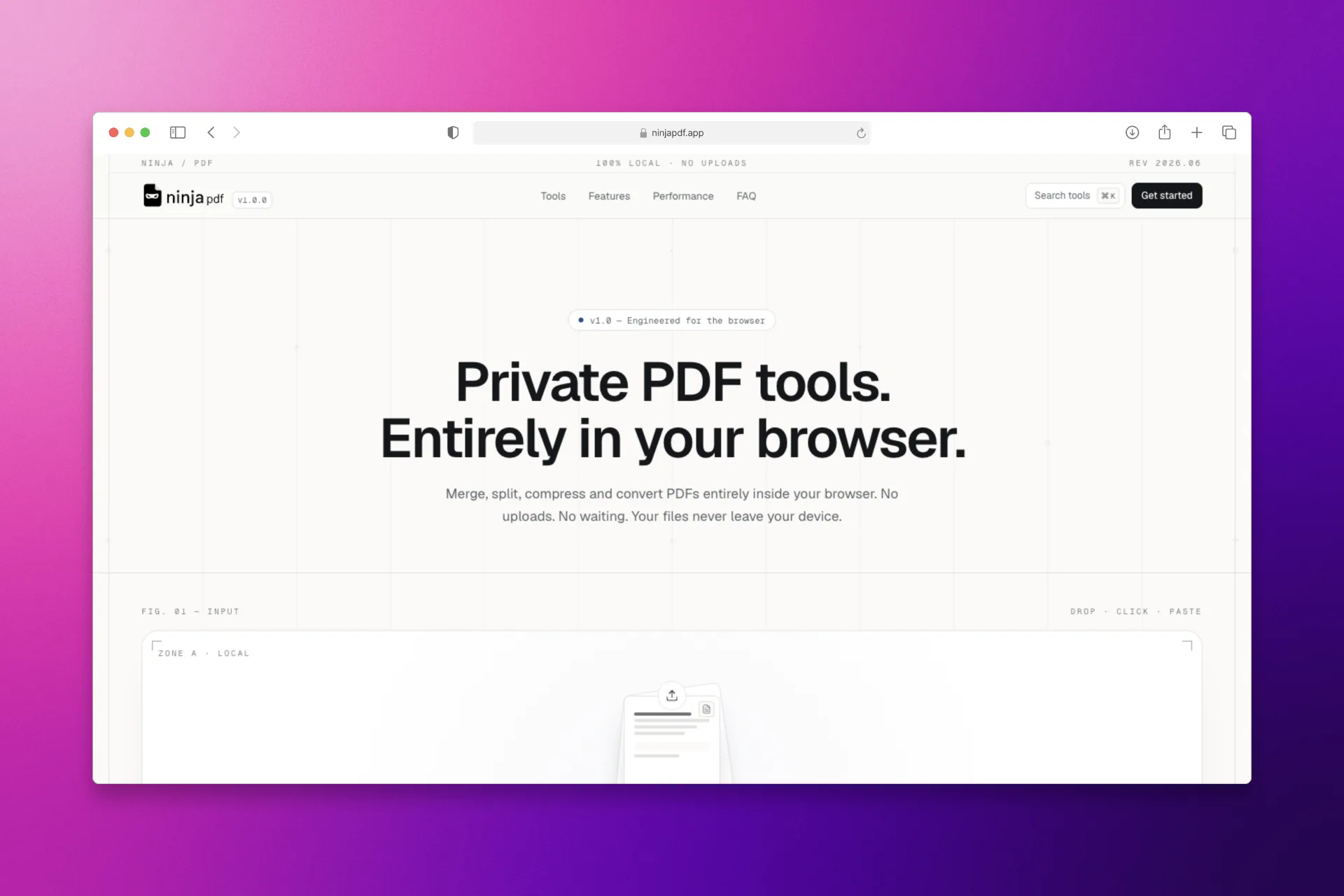
Keep the file on your device
Ninja PDF processes documents in the browser. I built tools for merging, splitting, page edits, image conversion, compression, watermarks, signatures and password protection. Each operation creates a new file while the original stays intact.
The interface uses page previews and a grid for selecting and rearranging pages. Heavy processing runs in dedicated workers, so the controls can remain responsive.
How it works
Follow a document from local input to verified output. Select a component to inspect the processing boundary.

Tool workflow
A tool controller and Zustand store collect settings and validate input. Workers are loaded only when the operation needs them.
All implementation notes
Document pipeline
- Local file
- Input bytes stay on the device. Operations create a new output rather than overwriting the original file.
- Tool workflow
- A tool controller and Zustand store collect settings and validate input. Workers are loaded only when the operation needs them.
- Dedicated worker
- Dedicated workers keep document processing off the main thread. Merge reports progress and transfers its result buffer back without copying it.
- Processing engines
- pdf-lib edits documents, PDF.js renders and probes them, and qpdf WASM handles protection. Compression preserves text by default; rasterization is opt-in.
- Verified output
- The pipeline validates, prepares, executes and verifies before export. Compression keeps a replacement only when the output is smaller.
- Local file: validates the input (Tool workflow).
- Tool workflow: starts the selected operation (Dedicated worker).
- Dedicated worker: executes and verifies the document transform (Processing engines).
- Processing engines: returns new output bytes (Verified output).
Engineering decisions
- Verify before download. The pipeline validates, prepares, executes and checks the result before export. Merge reports progress and transfers its output buffer across the worker boundary without copying it.
- Compression needs clear tradeoffs. The default path recompresses supported images while preserving text and vectors, and keeps changes only when they save space. Page rasterization is opt-in because it removes selectable text.
- Sensitive inputs stay out of history. Passwords are excluded from serializable settings; signatures remain in tab memory. Protection uses version-pinned, SHA-256-checked qpdf WASM rather than a heavy main-thread fallback.
ADRs define the tool contracts, overlay coordinates and sensitive-asset rules before a chained workspace is added. OCR and a persistent multi-tool workspace remain future work.